
How to isearch a text file Emacs-style in your browser
Published:
🔍
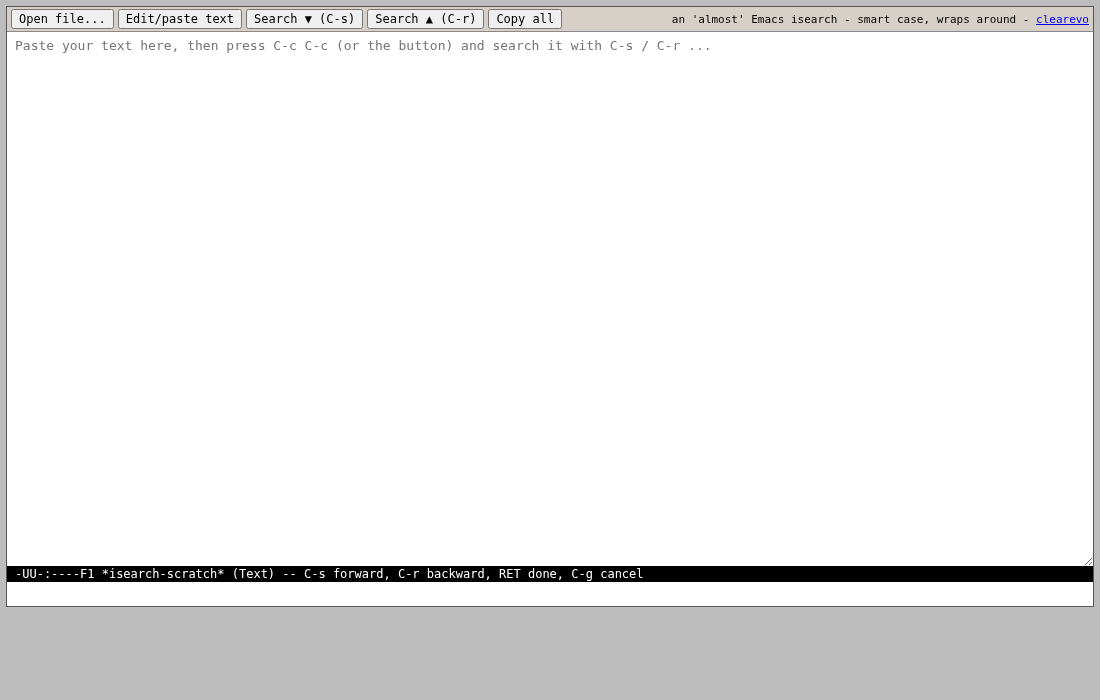
A quick guide to the browser rebuild of Emacs incremental search. (Background on all three “almost Emacs” tools in the original post.)
Steps
- Open https://www.clearevo.com/isearch/ and paste your text, or open a text file.
- Press C-s and start typing - the match moves as you type, incrementally. C-s again jumps forward to the next match, C-r searches backward.
- Case folding is smart: lowercase queries match any case, add an uppercase letter and it becomes case-sensitive.
- The echo area speaks authentic Emacs -
I-search:,Failing I-search:,Wrapped I-search:- with match counts in the mode line. - C-g quits the search; RET ends it and saves the mark where the search started. There’s a one-click copy-out when you’re done.
Pure client-side, nothing leaves your machine (Google Analytics for visit stats only). If your Emacs muscle memory catches a binding behaving wrong, comment on the original post.
This tool is free software and open source: ykasidit/clearevo_online_tools - issues and pull requests welcome.
Full disclosure: this post - and any code or tool it describes - was co-authored with Claude (Anthropic’s AI, via Claude Code). I directed, guided and reviewed. I don’t want to pretend otherwise.